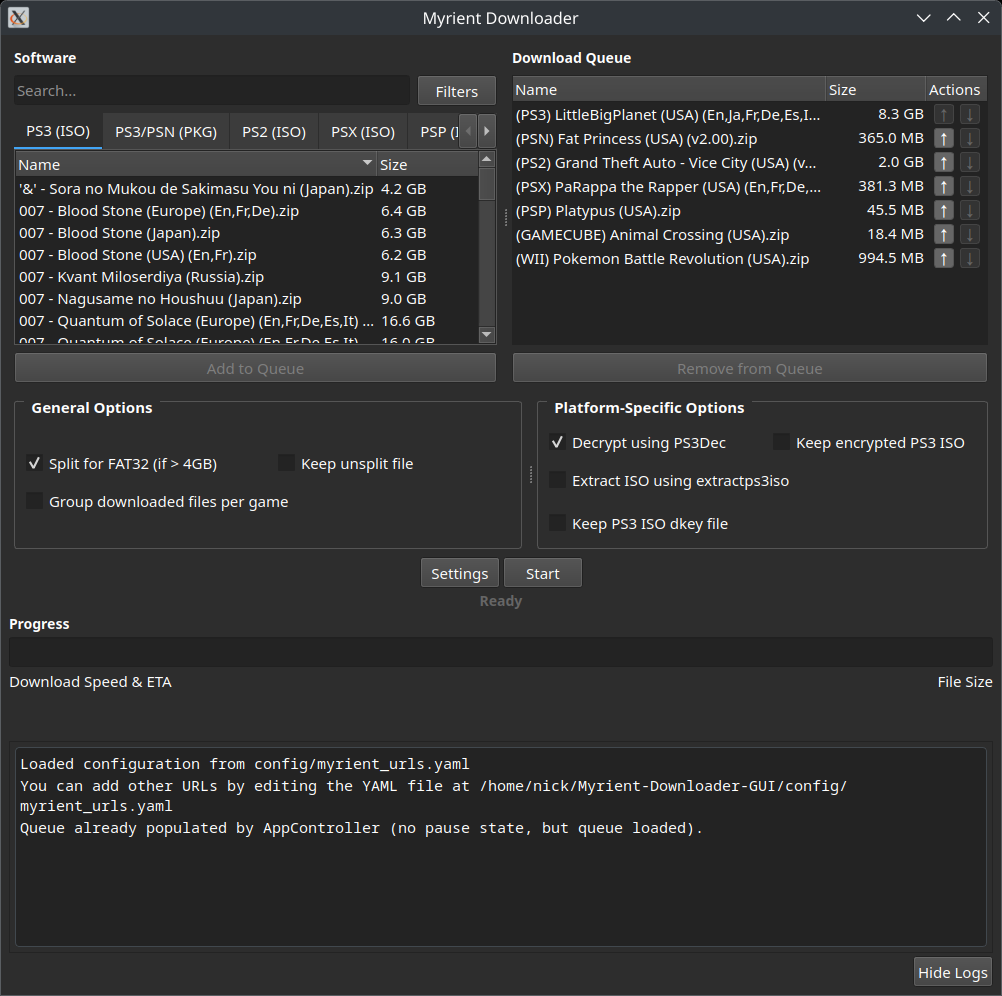
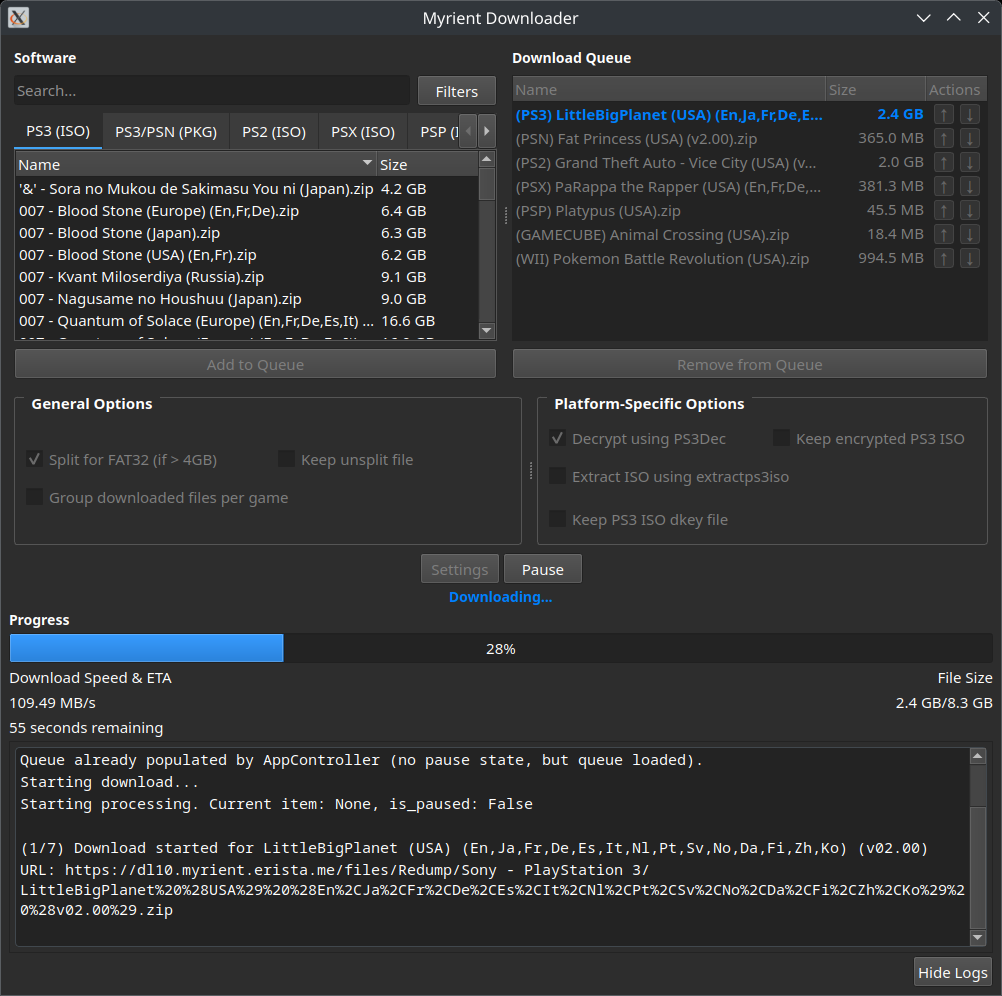
GUI that manages the downloading and processing video game ROMs/ISOs from Myrient Video Game Preservationists. Written in Python!
- Multi-Platform Support: Download ROMs/ISOs from multiple gaming platforms
- Available platforms are easily extensible via YAML configuration
- PS3 ISO Decryption & Extraction: Option to decrypts and extract downloaded PS3 software for use on consoles and/or emulators like RPCS3
- User-Friendly Setup: Required binaries are retrieved & set automatically (on Windows)
- Cross Platform: Should work across all platforms!
- Download the latest release for your platform
- Extract and run the executable
- That’s it! File lists/necessary files will be retrieved automatically and stored in
config/.
- Simply launch
Myrient-Downloader-GUIand you should be prompted to automatically download the required tools from their respective repositories!- Alternatively, you can download the binaries
PS3Decandextractps3isofrom below and manually specify them viaSettings
- Alternatively, you can download the binaries
# Arch Linux (AUR)
yay -S ps3dec-git ps3iso-utils-git

# Or install manually from source repositoriesThe application uses a dynamic YAML-based configuration system located in config/myrient_urls.yaml, allowing for easy addition of new platforms without changing code.
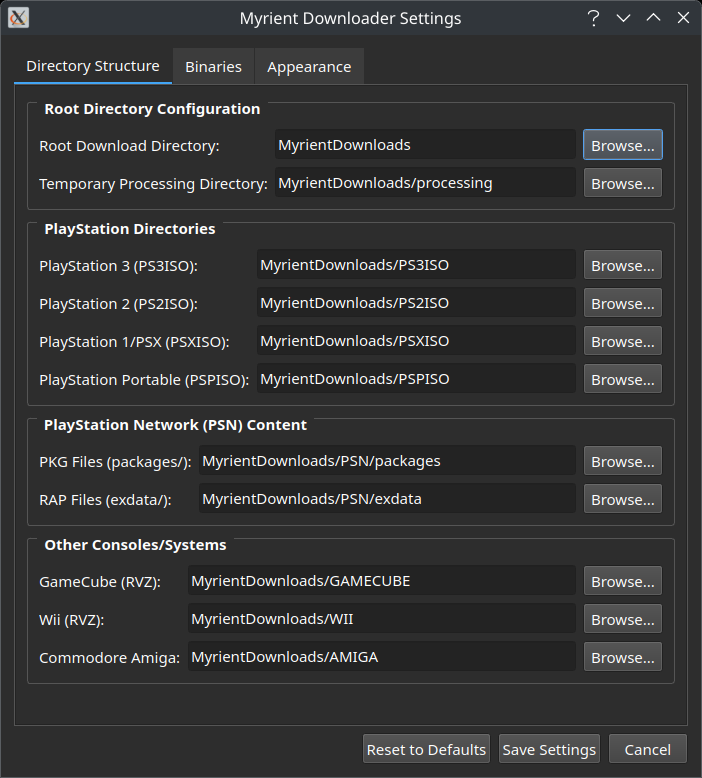
The destination folders of in-progress and completed downloads for each platform can be defined via the Settings menu. Settings are saved to config/myrientDownloaderGUI.ini.
# Install Python dependencies
pip install -r requirements.txt

# Or on Arch Linux:
sudo pacman -S python-aiohttp python-beautifulsoup4 python-pyqt5 python-requests python-yaml python-pycdlib# Clone the repository
git clone https://github.com/hadobedo/Myrient-Downloader-GUI.git
cd Myrient-Downloader-GUI
# Install dependencies
pip install -r requirements.txt
# Run the application
python3 ./myrientDownloaderGUI.py- Myrient Video Game Preservationists – Game preservation and hosting [Support Myrient]
- Redrrx’s PS3Dec – Modern PS3 ISO decryption tool
- bucanero’s ps3iso-utils – PS3 ISO extraction utilities
- gotbletu’s
ps3-split-isoandps3-split-pkgscripts) – PS3 ISO/PKG splitting scripts adapted into Python - AI 🙂
- Better logging
- Also add toggle to enable/disable ps3 decryption logs on Windows
- Terminal interface
- Consolidate
myrient_urls.yamlandmyrientDownloaderGUI.iniinto a single yaml (maybe) - Improve downloading of filelist
jsonsandmyrient_urls.yaml, goal is to make user ‘more aware’ of what’s happening - Add dropdown box/’hardcode’ some myrient urls for easier system configuration (maybe)
Leave a Reply